

Why AI Selfies Look Fake (and the 3-Layer Fix)
The three tells that give away an AI portrait — plastic skin, studio light, perfect framing — and the three-LoRA stack this course uses to put realistic flaws back in on purpose.
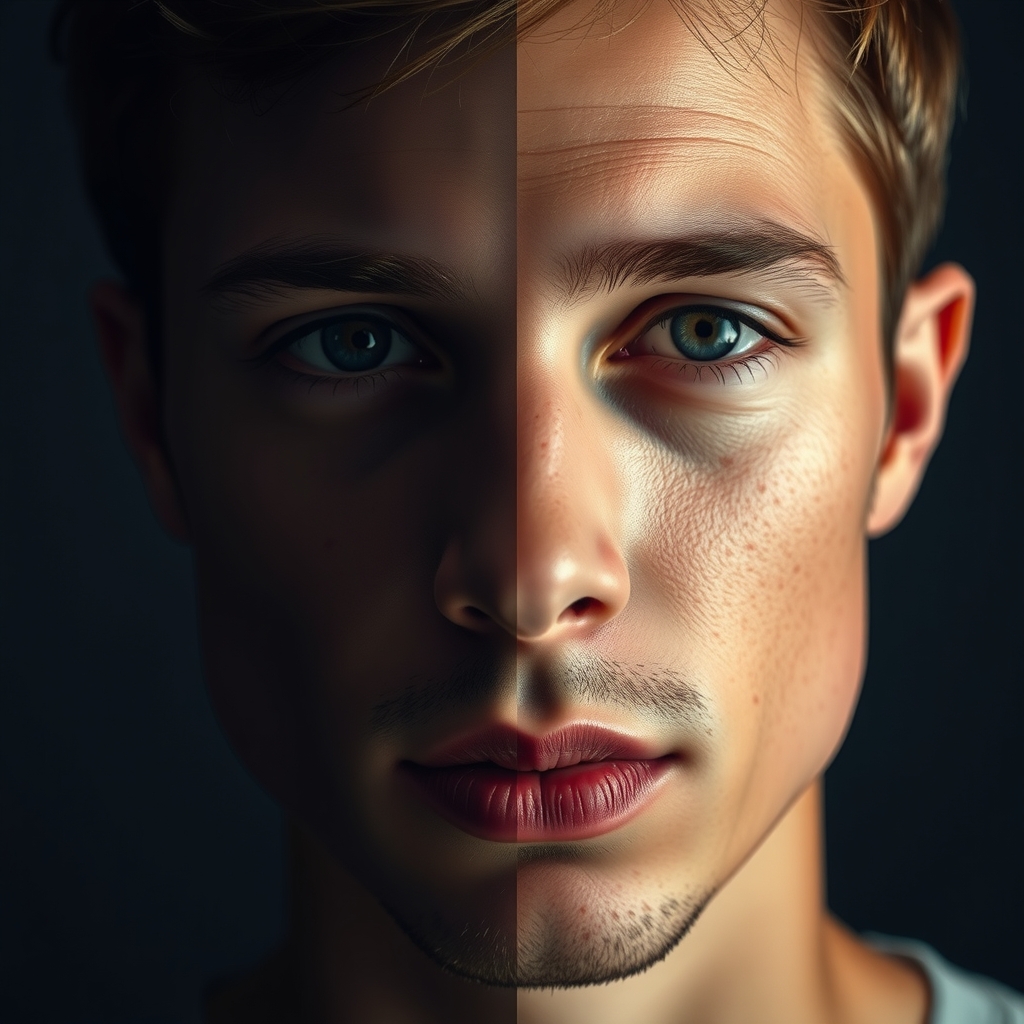
Generate a selfie with any AI model out of the box and you get the same tell every time: skin like polished plastic. No pores, no blemishes, no oil shine — just a smooth render under perfect studio light. Human eyes catch it in half a second.
The three tells:
- Plastic skin — real skin has pores, texture, the odd blemish. AI skin has none of it.
- Studio lighting — real selfies are lit by a window, a ceiling bulb, the sun. AI defaults to flattering, even light that nobody's bathroom has.
- Too-perfect framing — real phone photos are slightly off. AI composes like a magazine cover.
The fix is counterintuitive: you put the flaws back in on purpose. This course does it by stacking three LoRAs — small add-on models that each teach FLUX.1 one specific thing, activated by a trigger word in your prompt:
- Digital Avatar LoRA — trained on photos of you. The “who” layer.
- iPhone Style LoRA — trained on real iPhone photos. The “what camera” layer: color, grain, dynamic range.
- Skin Texture LoRA — trained on close-up skin. The “what skin looks like up close” layer.
What you need: a Fal.ai account (pay per generation), and the two texture LoRAs — both free downloads, linked in the lessons where you use them. No code anywhere in this course.