

The Skin Realism Pipeline Members only8 min
Layer Three: Skin Texture with Image-to-Image
The finishing pass: run V2 through image-to-image at strength 0.1 with the Skin LoRA at 0.2–0.3, so pores sharpen without your face changing.
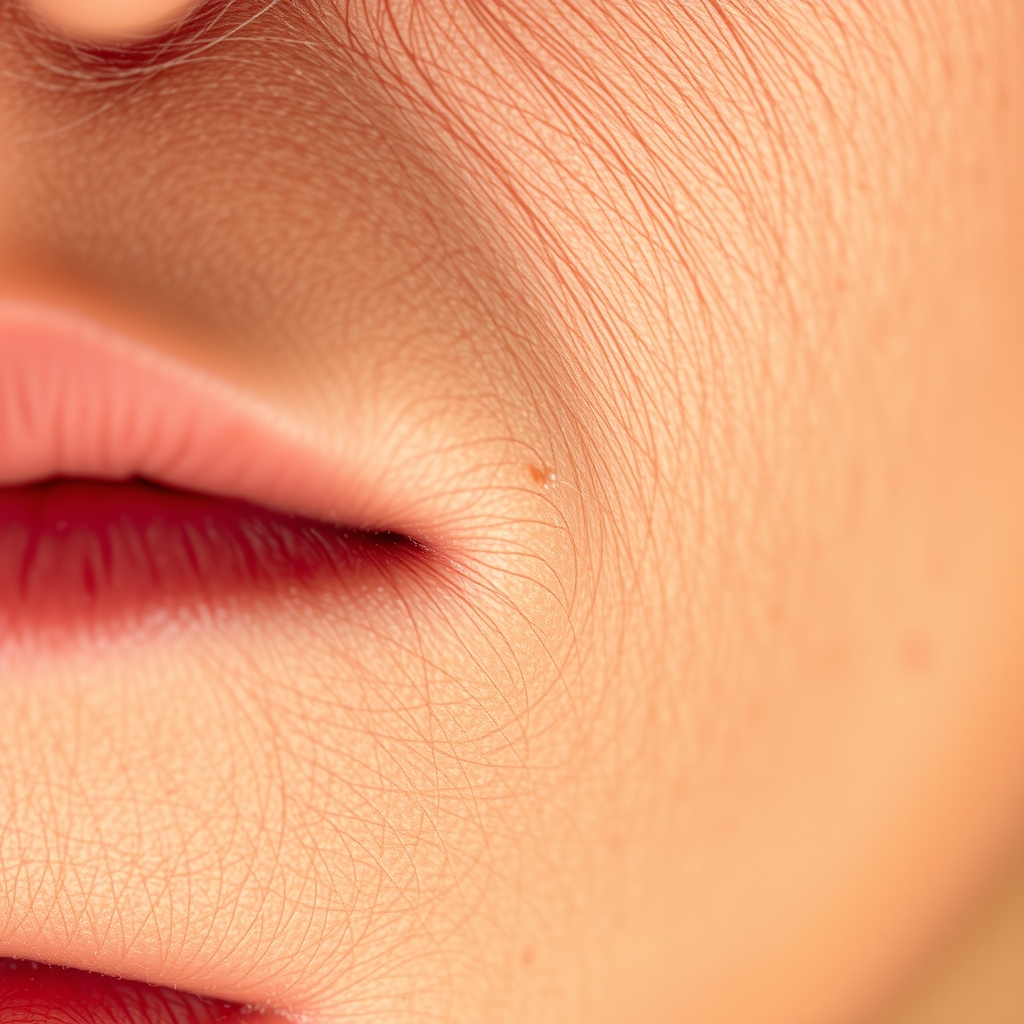
The last layer is a finishing pass, not a re-generation. The whole trick is doing very little: we want sharper, more tactile skin on an image that otherwise doesn't move.
Step by step:
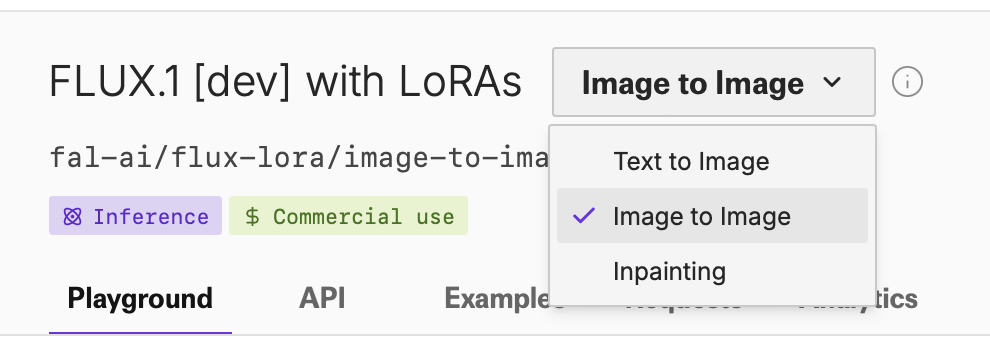
- In the same playground, switch the mode from Text to Image to Image to Image.
- In the Image Url field, upload the V2 file you downloaded.
- Prompt: exactly Detailed skin — the trigger word and nothing else.
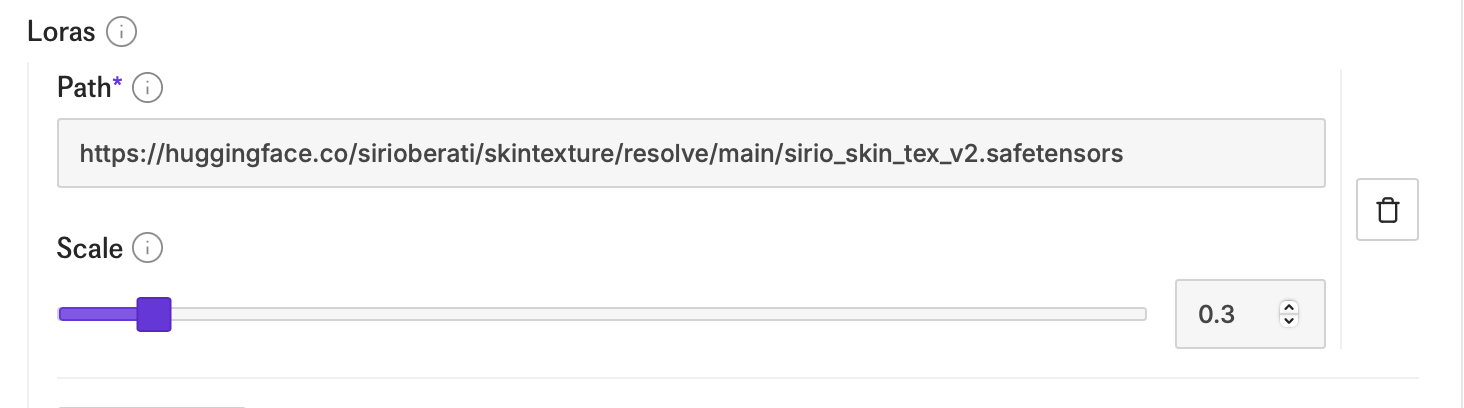
- In Loras, paste the Skin LoRA: https://huggingface.co/sirioberati/skintexture/resolve/main/sirio_skin_tex_v2.safetensors at weight 0.2–0.3. Low on purpose — texture should read as subtle, not sandpaper.
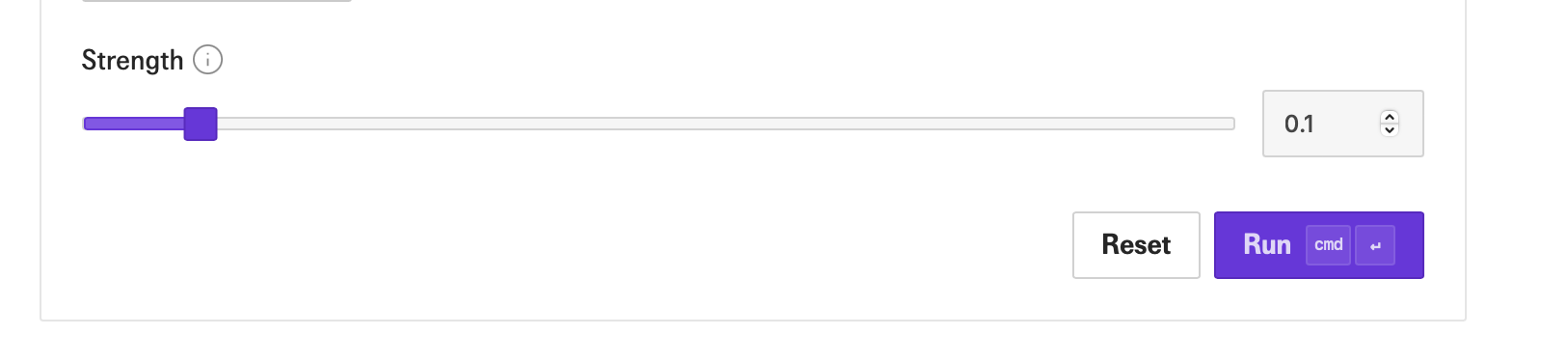
- Set the generation Strength to 0.1. This is the setting that matters most: strength is how far the output may wander from your input. At 0.1 only the skin surface changes; higher and you start getting a different person back.
- Generate. This is V3 — your finished image.

V3 won't look dramatically different from V2 at a glance. Zoom in: the skin is sharper and carries real texture. That restraint is exactly what makes it pass.